
Education software
Praxly
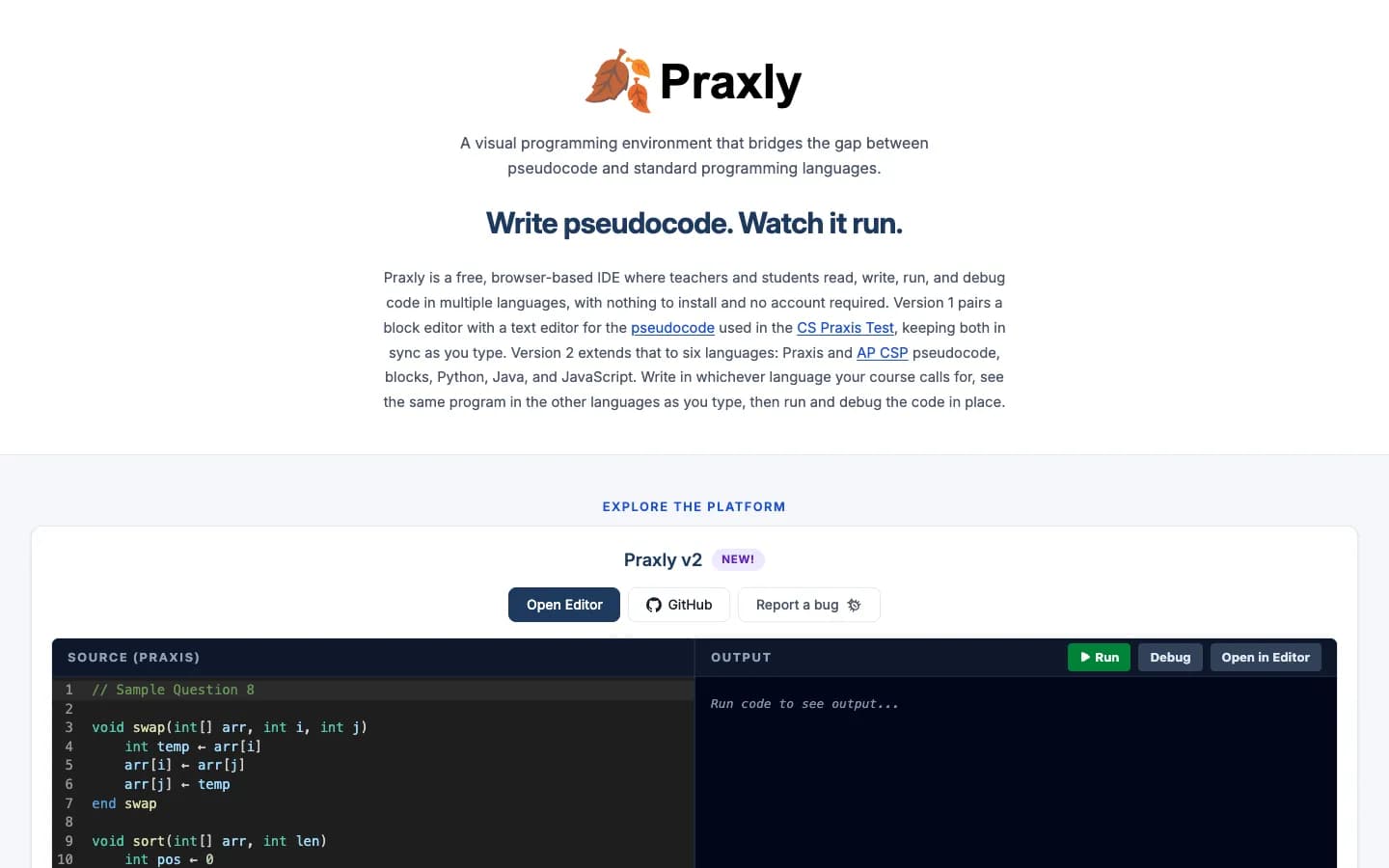
A free, in-browser code editor that teachers and students use to read, write, run and debug code — built with James Madison University’s Department of Computer Science.
- Location
- James Madison University
- Client since
- 2026
- Status
- Ongoing
About the client
Praxly is a free teaching tool from the Department of Computer Science at James Madison University, supported by a National Science Foundation–funded partnership with CodeVA that helps career and technical education teachers earn computer science endorsements.
What we delivered
- An editor that runs entirely in the browser
- Six languages: Praxis and AP CSP pseudocode, blocks, Python, Java and JavaScript
- Live translation between languages as you type
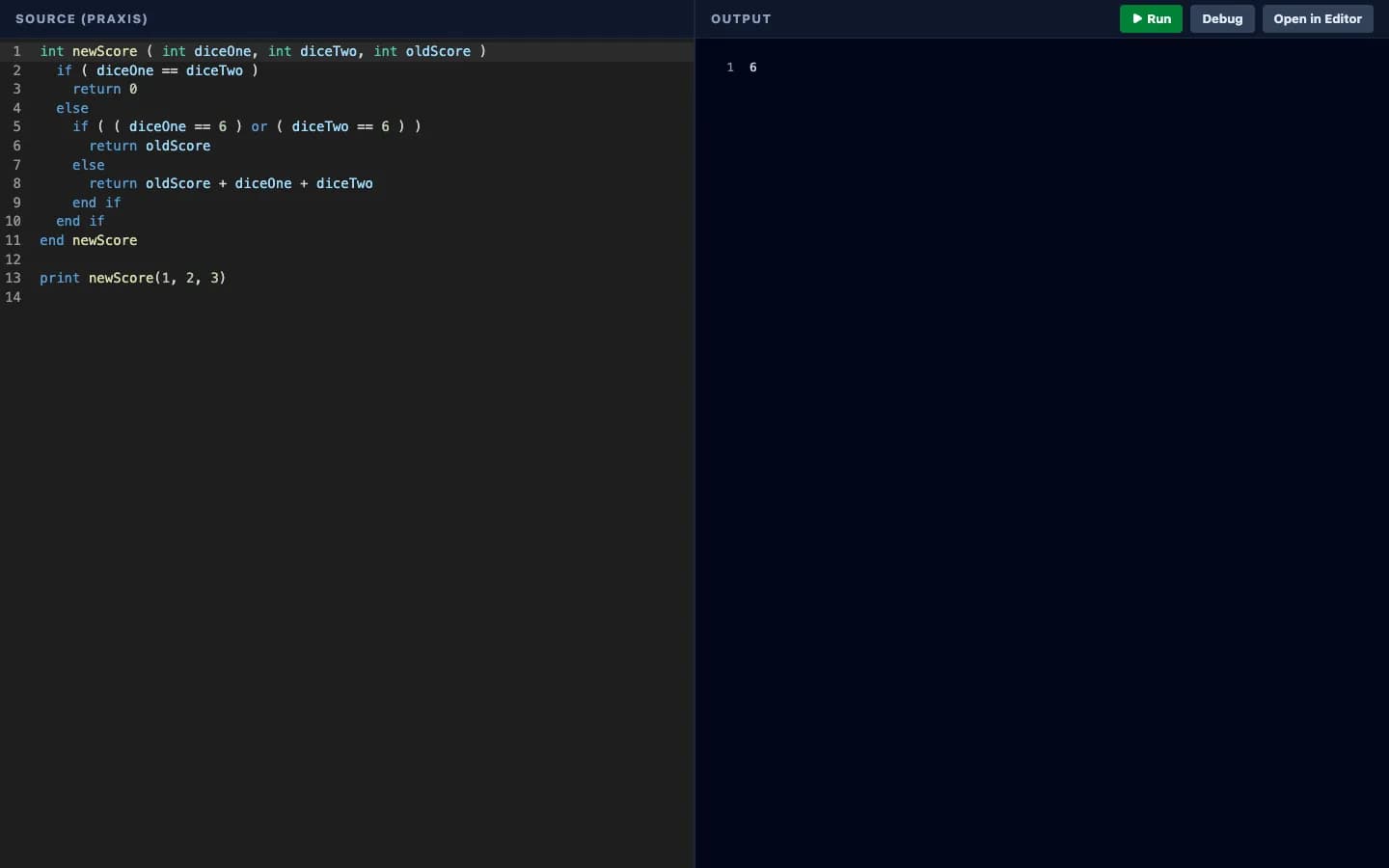
- Running and debugging in place
- An optional AI assistant, with sign-in
The story
The challenge
Teachers preparing for the computer science Praxis exam, and the students they go on to teach, work in pseudocode — a simplified way of writing programs that, on paper, cannot be run. That makes it hard to check your understanding or see what a program actually does.
What we did
Praxly makes pseudocode run. Version 1 paired a block editor with a text editor for Praxis pseudocode. We work with the Praxly team on version 2, which grows the editor to six languages: write in whichever one your course uses, see the same program in the others as you type, then run and debug it in place — with nothing to install and no account required.
Version 2 also adds an optional AI assistant, with sign-in through Google or a Praxly account.
The result
Praxly is free for anyone to use at praxly.cs.jmu.edu, and the research behind it has been presented at the SIGCSE Technical Symposium in 2025 and 2026.
Screens
More from the project
Services used
Keep looking
More projects
See all our work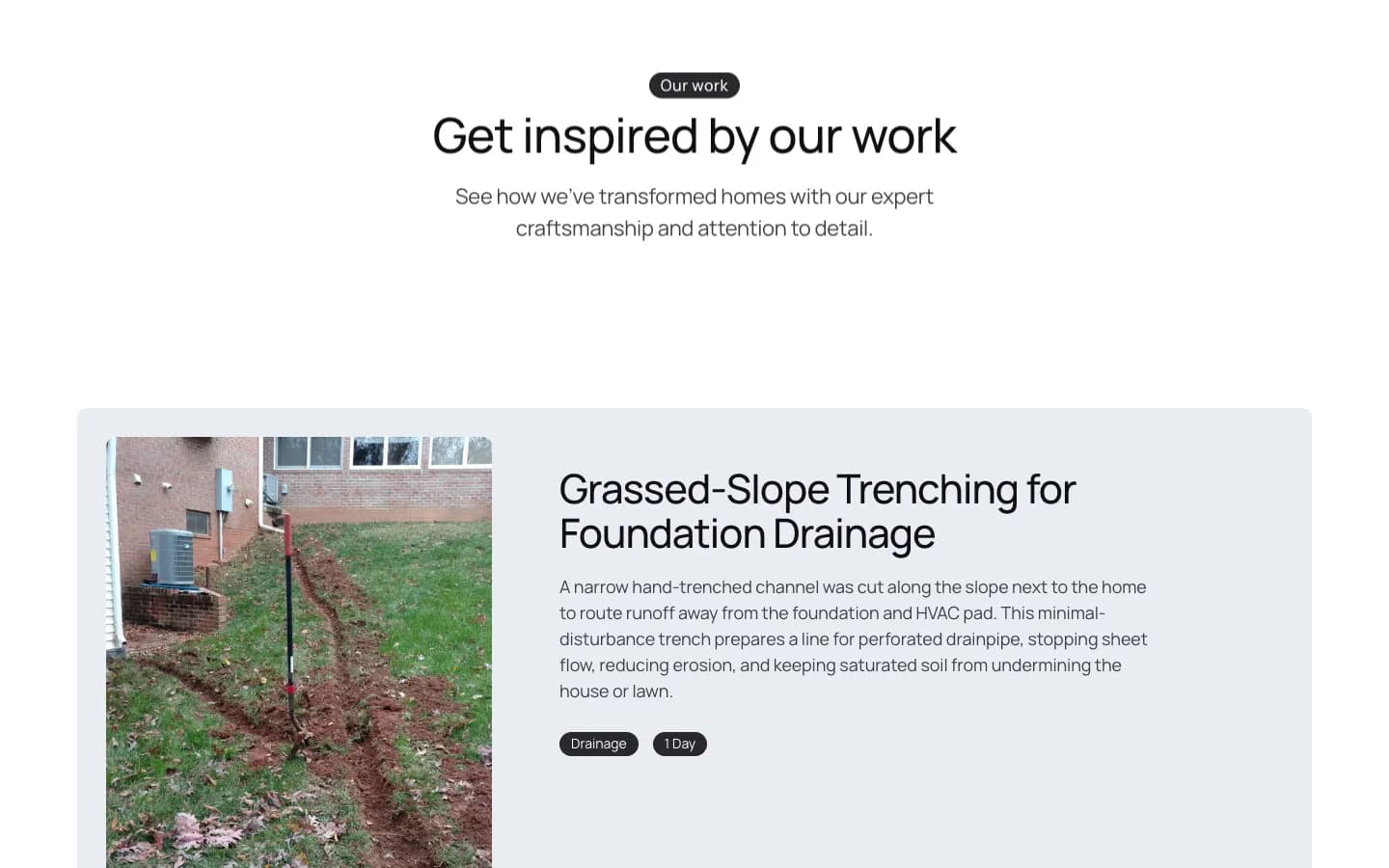
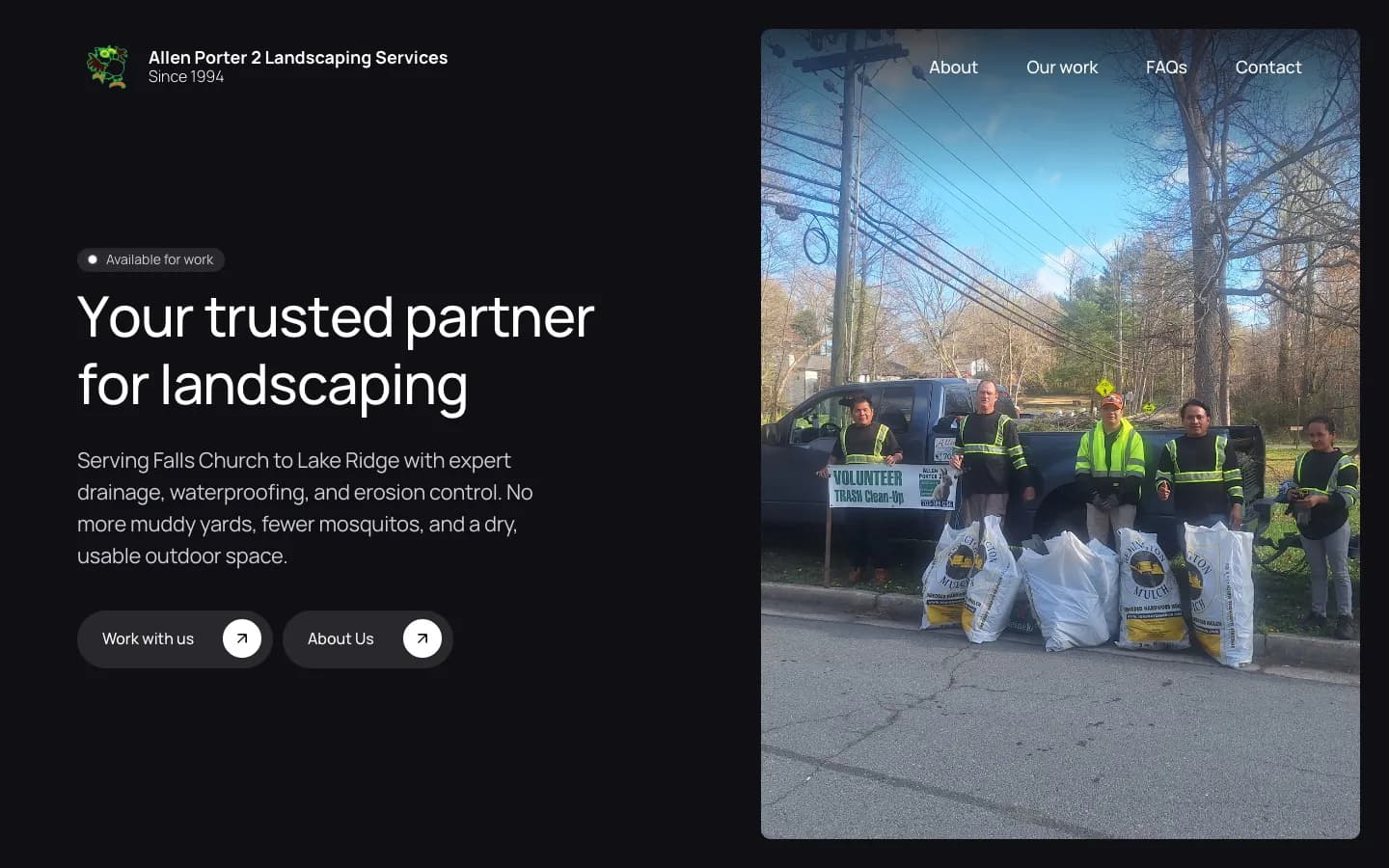
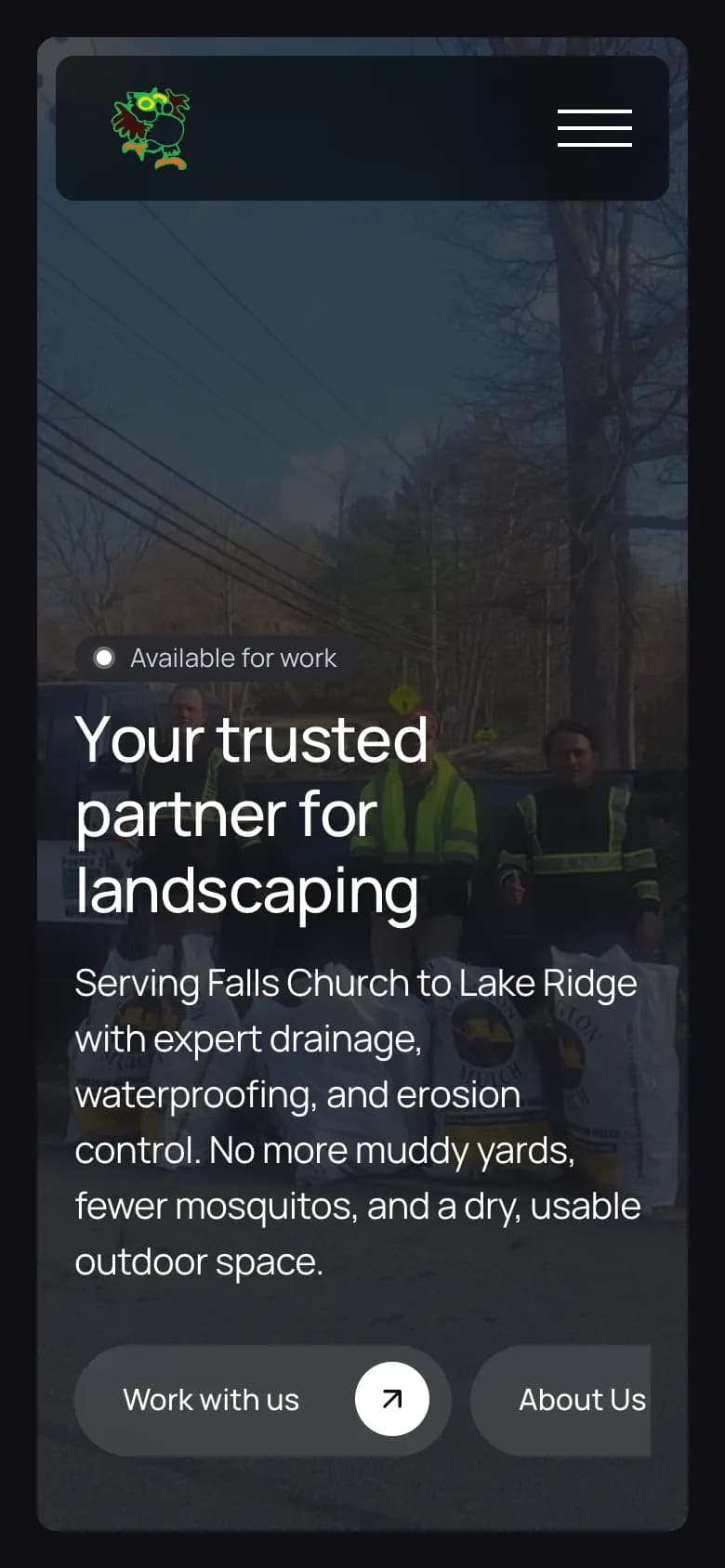 Landscaping & drainageOngoing
Allen Porter 2 Landscaping Services
A first website for a Northern Virginia landscaper with more than 30 years in the trade — his services, his drainage work and an easy way to get in touch.
See the project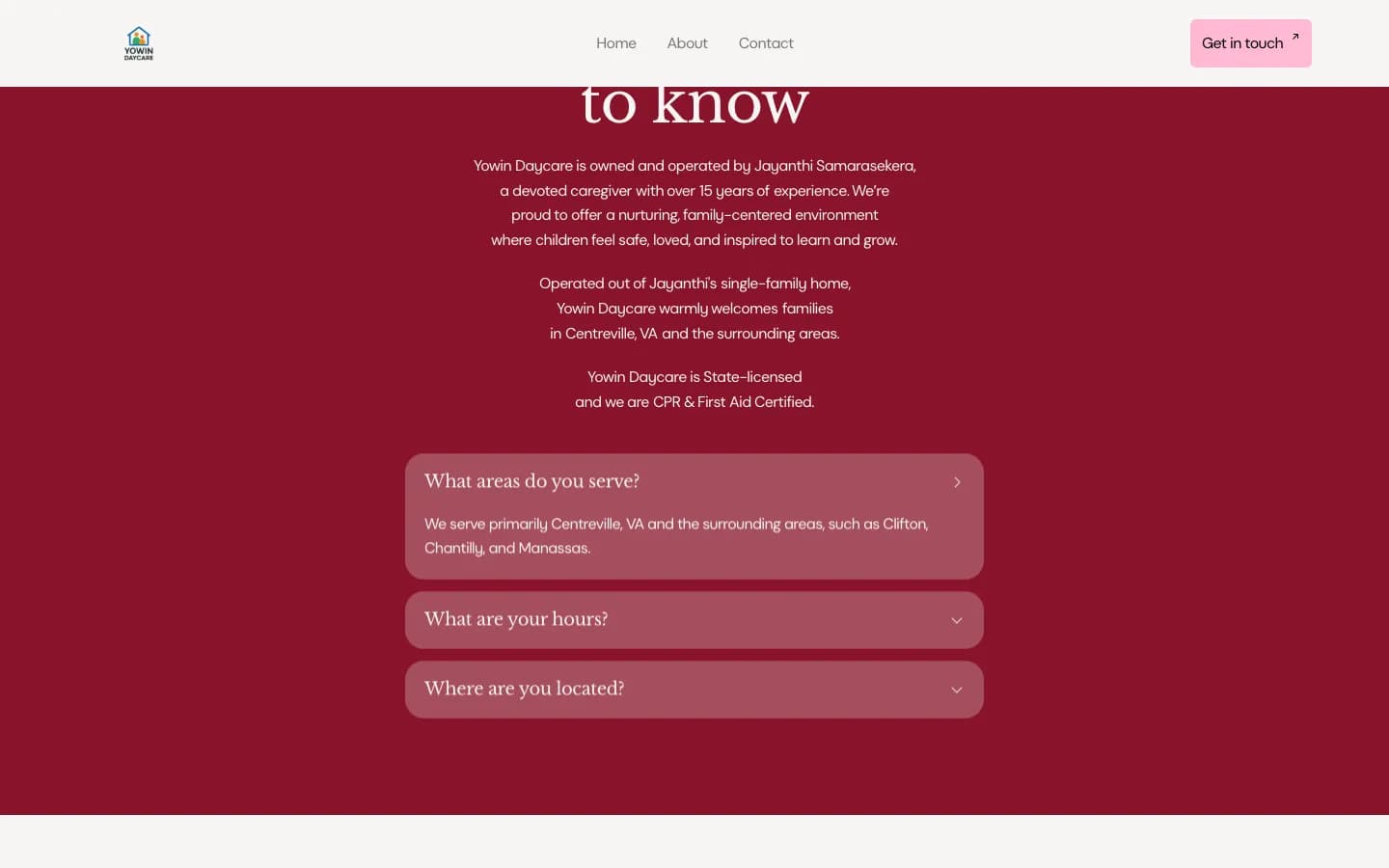
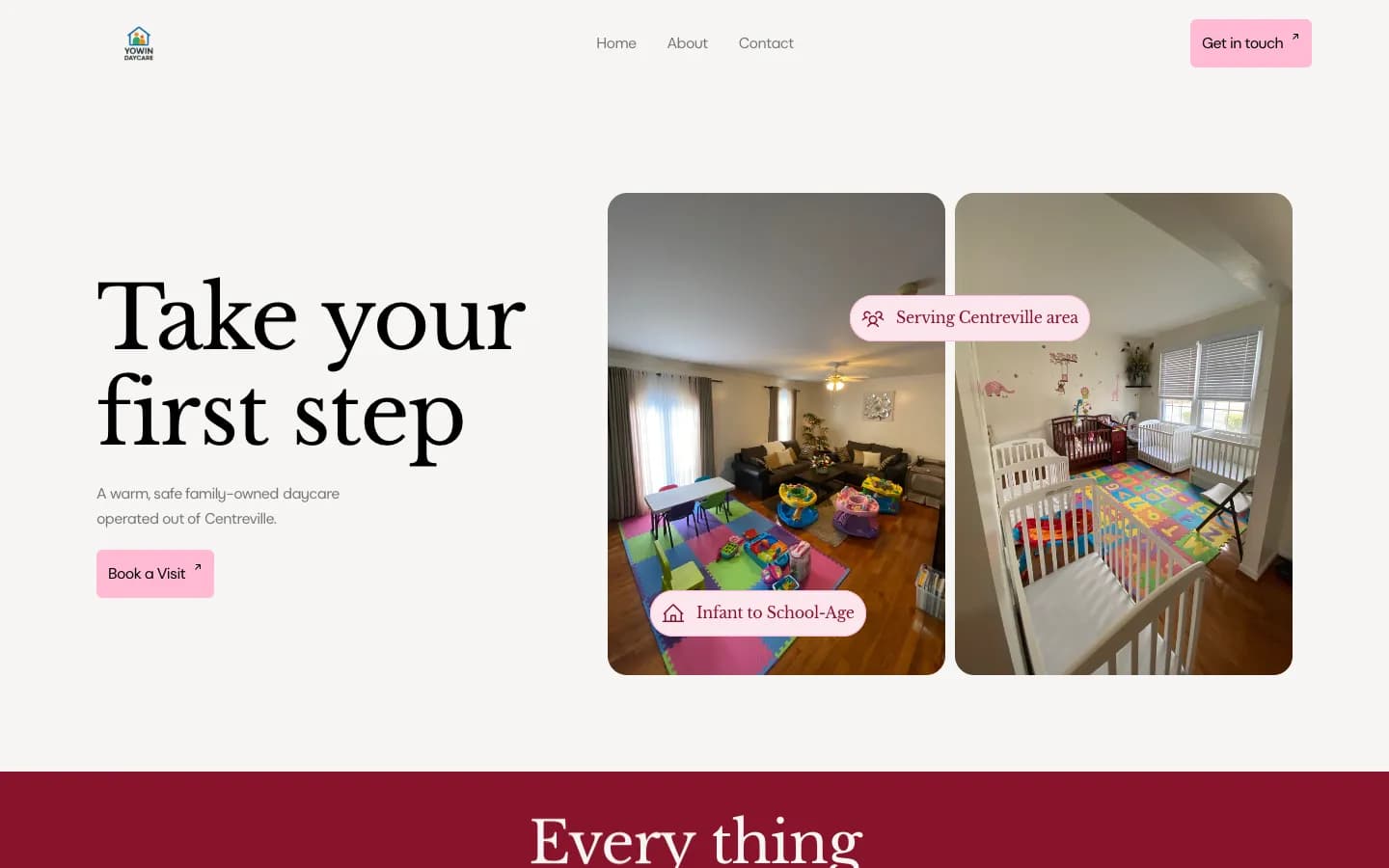
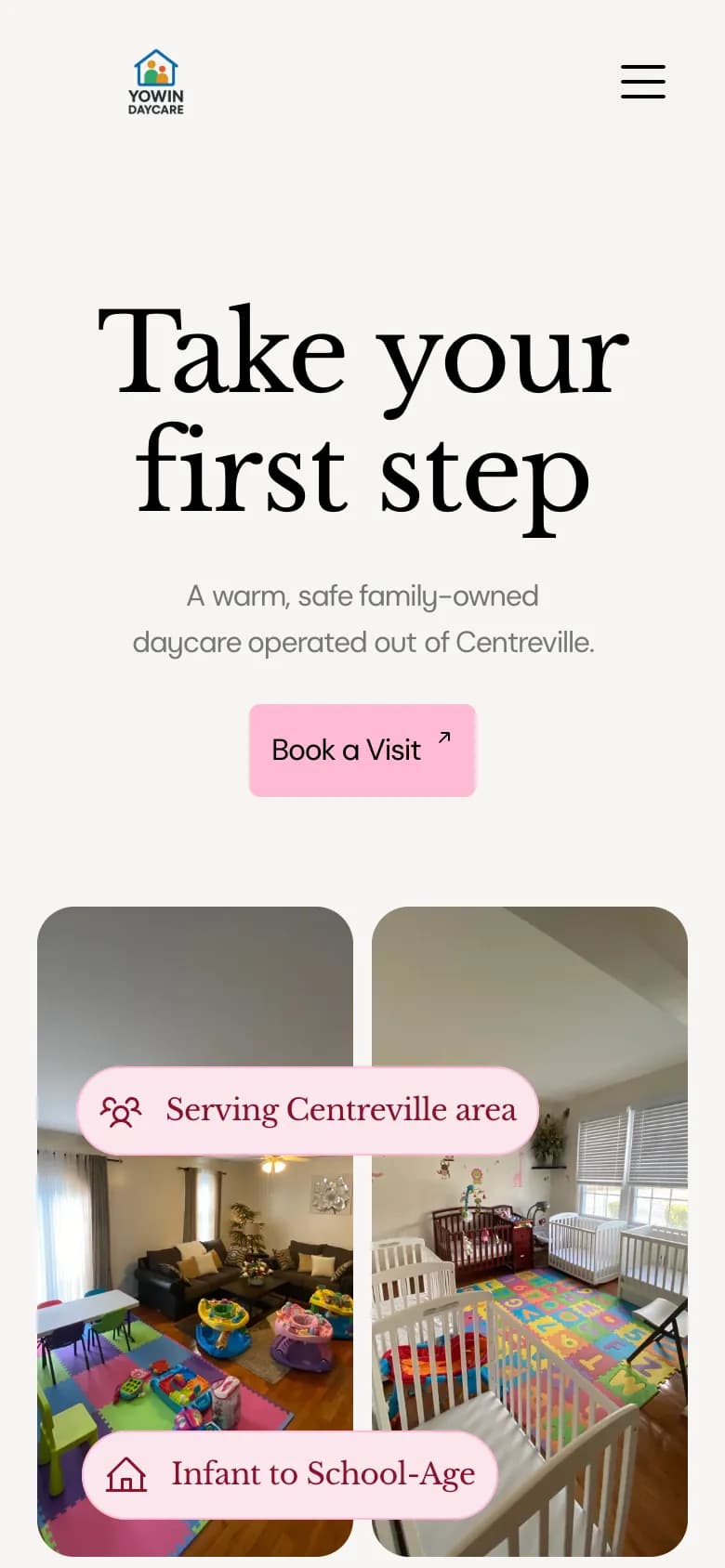 Family daycareOngoing
Yowin Daycare
A warm, simple website for a state-licensed family daycare, built around one goal: getting parents to book a visit.
See the project